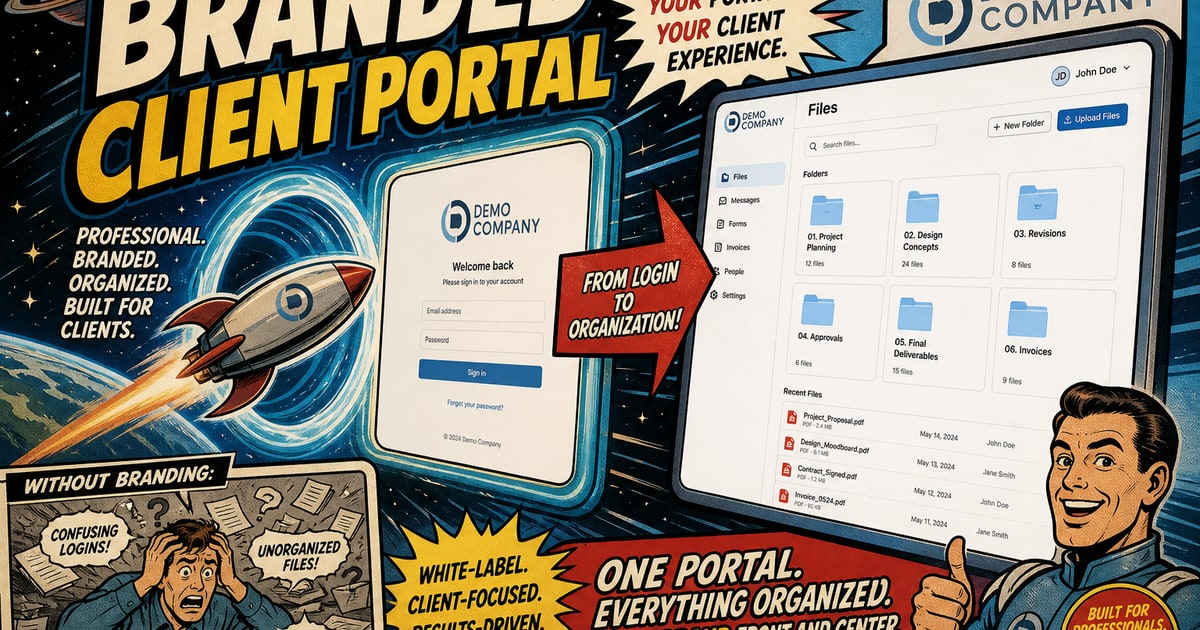
Most freelancers set up some version of a client portal and call it done. A shared Dropbox folder, maybe a Google Drive link pinned to an email signature, possibly a project management tool that technically allows file uploads. The setup exists, but it doesn’t really function as a portal. It functions as a workaround. And clients feel that difference, even if they can’t articulate it.
The problem is that “client portal” has become a loose term. It gets applied to anything that isn’t email. But a real portal has specific jobs to do: it needs to identify your brand the moment a client logs in, it needs to organize deliverables in a way clients can understand without a tutorial, and it needs to give clients a reason to trust that what they’re looking at is current and correct. When any one of those jobs goes unfinished, you end up fielding the same questions that the portal was supposed to eliminate.
The Checklist That Actually Matters
Here’s what a functional client portal needs to include, in order of how much pain each missing piece causes.
Branded login experience. Clients shouldn’t arrive at a generic interface with another company’s logo in the header. According to a 2023 Edelman Trust Barometer report, consistent brand presentation increases perceived credibility significantly. A white-labeled login screen is not cosmetic. It signals that you’ve built something intentional for them, not just forwarded them a link to your own storage account.
Organized, labeled file areas. Files dumped into a single folder require clients to interpret your naming conventions. Organized deliverable sections, labeled by project phase or asset type, cut down on “which version is this?” questions before they start. The structure itself communicates process.
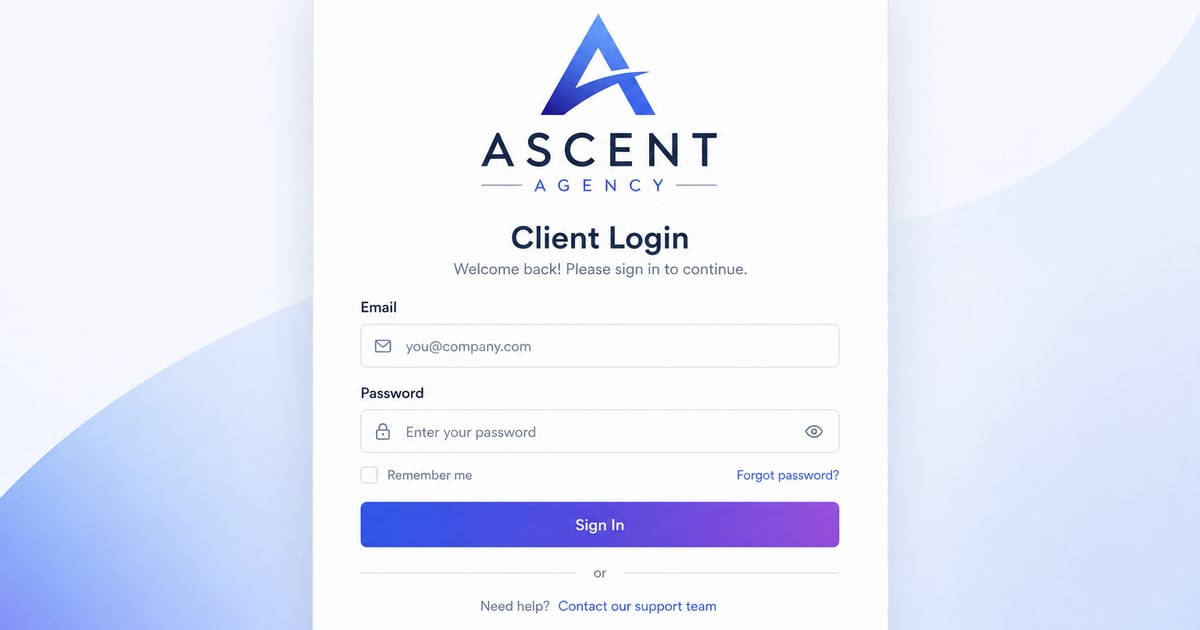
Per-client access controls. If you’re working with more than one client, they should never see each other’s work. This sounds obvious, but shared Drive folders with broad permissions fail this regularly. Proper multi-tenant separation is a baseline requirement, not a premium feature.
Download tracking or access confirmation. Knowing whether a client has actually opened the portal and downloaded a file matters. It removes the ambiguity from follow-up conversations and gives you a clear record if a dispute ever comes up about what was delivered and when.
A place for client feedback or sign-off. File delivery without a structured approval step puts feedback back in email, which is exactly where version confusion starts. Even a simple acknowledgment mechanism inside the portal keeps the record in one place.
Secure sharing with expiry options. Not every file share should live forever. Password-protected links or time-limited access are standard expectations for anything involving contracts, financial documents, or sensitive project assets.
Why Most Setups Miss Several of These
The short answer is that freelancers build their file delivery workflow reactively. A client asks for a file, you send it. That becomes the habit. By the time the habit calcifies, there’s no obvious moment to step back and ask whether the experience you’re creating actually matches the quality of the work you’re delivering.
Research from the Freelancers Union has consistently shown that client retention is one of the top revenue challenges for independent workers. The practical reality is that a client who finds working with you frictionless is far more likely to return and refer. Every