If you’ve spent any time trying to organize your freelance business, you’ve probably run into the question of whether you need a CRM. The software category gets recommended constantly, and it sounds like exactly the kind of thing a serious business owner should have. But after a few weeks of tagging contacts and building pipeline stages, many freelancers realize the tool doesn’t quite fit the problem they were actually trying to solve. That’s not a failure of discipline. It’s a sign the two categories, CRMs and client portals, are doing very different jobs.
A CRM, short for customer relationship management, is fundamentally a database with memory. It tracks who you talked to, when, what was discussed, what stage of conversation you’re in, and what the follow-up plan is. For a freelancer, that means logging a prospect call, noting that a past client mentioned they had a rebrand coming up in Q2, or keeping a record of which referral source sent the most work last year. That’s genuinely useful information, especially once your network gets large enough that you can’t keep it all in your head. Tools like HubSpot, Notion-based CRM setups, or even a well-structured Airtable base can handle this kind of relational tracking without much overhead.
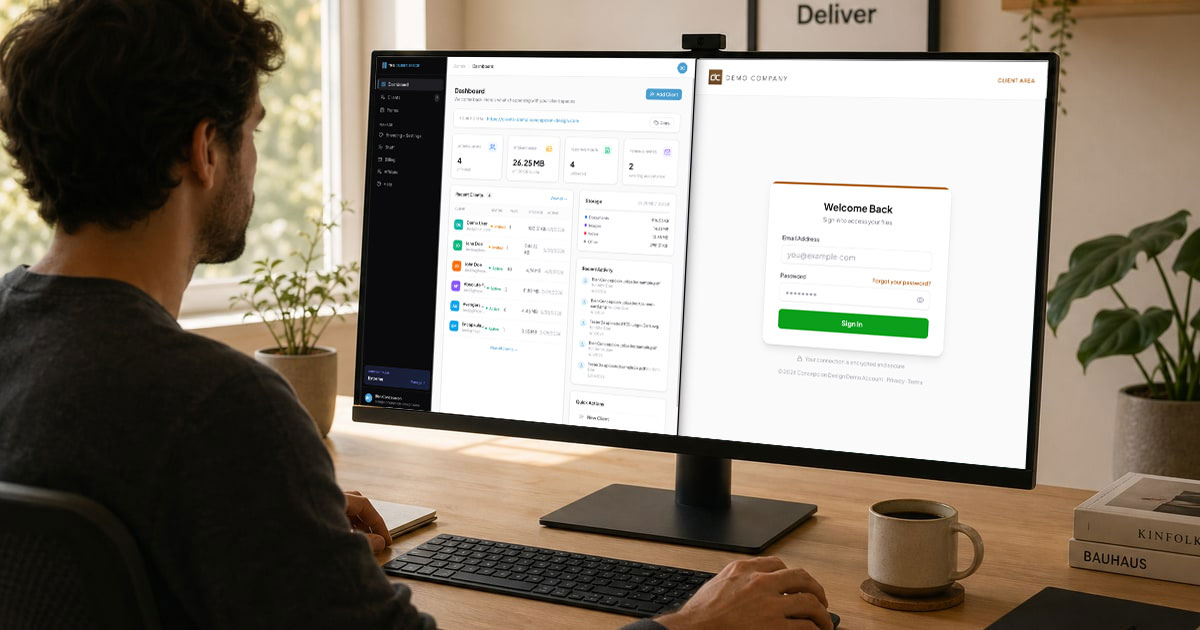
A client portal solves a completely different problem. It’s not about tracking relationships over time. It’s about what happens once a client is already working with you and needs to receive something from you: a finished logo package, a signed contract, a set of brand guidelines, a round of edited photos. Without a dedicated place to deliver those assets, most freelancers default to email attachments (which get buried) or generic cloud storage links (which feel impersonal and sometimes expire). Neither option signals that you run a professional operation. A branded client portal gives the client a login, a clean interface with your name on it, and a single place where their project materials actually live.
Where the Confusion Comes From
The overlap gets murky because some CRMs have added file-sharing features, and some project management tools have added CRM-adjacent contact fields. The result is a category blur where it’s hard to tell which tool is primary and which is bolted on. Generally, a feature added outside a tool’s core purpose is the weaker version of that feature. A CRM that lets you attach files to a contact record is not the same as a portal where a client logs in, sees their project folder, and downloads the final deliverables. The experience on the client’s side is completely different, and that gap matters when your reputation depends on how polished the handoff feels.
Thinking About It as Two Separate Jobs
A practical way to sort this out: think about who each tool is actually for. Your CRM is for you. It helps you remember things, prioritize follow-ups, and understand where your business is coming from. Your client portal is for your client. It gives them a professional, organized place to receive their work and feel confident they’re dealing with someone who has their act together. Those are two separate experiences that happen to be connected by the same relationship. You don’t need one tool to do both well. You need the right tool for each.
For freelancers who deliver files regularly, whether that’s design assets, legal documents, financial reports, or creative project outputs, a dedicated portal like The Client Space handles the delivery side with a white-labeled login experience clients can actually use. The CRM, whatever form it takes, can sit alongside it and do the job it’s actually built for: keeping track of the relationships that fill your pipeline. Neither tool replaces the other. They just stop competing once you understand where each one starts and stops.